How to Prepare Photos for a Tip Toeing in My Jordans Video
Choose a dancer photo and optional observer for the Tip Toe barn-dance scene. A practical guide to framing, role assignment and local preview.
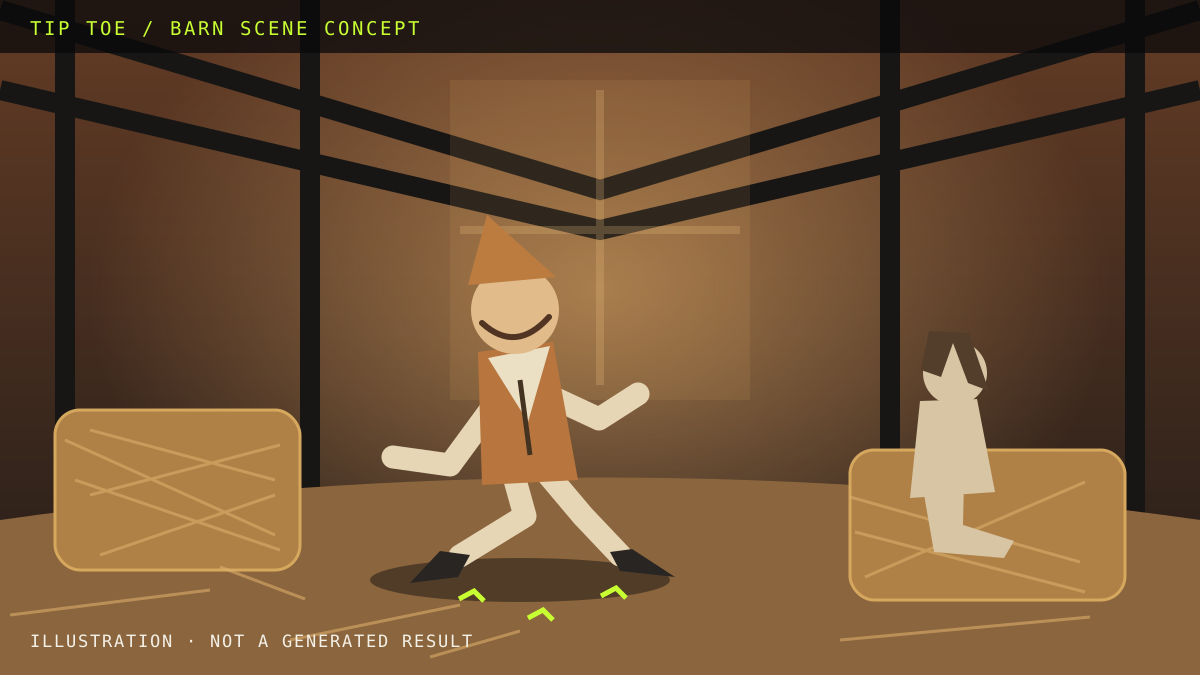
The Tip Toeing in My Jordans AI dance meme gives each person a role: one dances, and another watches. Before trying a photo-based version, decide who belongs in each role. The local photo preview lets you check that setup without uploading your photos.
Start with the dancer
Choose a photo of one adult who has agreed to this use. Keep the face unobstructed and use even light. A close portrait makes facial details easier to inspect. A full-body photo gives more information about clothing and proportions. Neither guarantees an exact likeness in a future AI video.
The current preview accepts JPG, PNG and WebP, up to 8 MB per photo. If a file is rejected, export it in a supported format or reduce its size before selecting it again.
Decide whether to add an observer
A second photo is optional. It represents the person watching the dancer in the barn scene. Use one adult per image and check the role labels. If you assigned them the wrong way round, use the swap control. You can also remove a photo and choose another.
Review the scene before going further
The barn illustration explains the concept; it is not a generated sample. No video or soundtrack is delivered by this preview. It does not promise a particular duration, resolution or render time.
Selected photos stay in the current browser tab. They are not uploaded or saved to your account. Reloading or leaving the page clears the selection, so keep the source files on your device.
Common questions
Do I need two photos?
No. The dancer is required; the observer is optional.
Does signing in save the photos?
No. Account sign-in and the local photo preview are separate in this edition.
Can I download a video now?
No. Video generation and checkout have not been connected.
Prepare your photos in the Tip Toe tool, or read what the meme refers to before choosing your cast.